Instructions on how to complete a Club Events
Instructions : Club Events
- Your personal diary – to check your availability
Once you have selected the Event, you will see there is an area on the left of the page, below the photo, which is for registrations. If you click the “Interested” button, it will register you as interested in the Event and your name will appear (click it again and you will automatically unregister and your name will be removed).
If you click on the “Attending” button, it will register you as intending to attend the Event, and your name will appear in the Attending Column (likewise if you click it again you will automatically unregister).
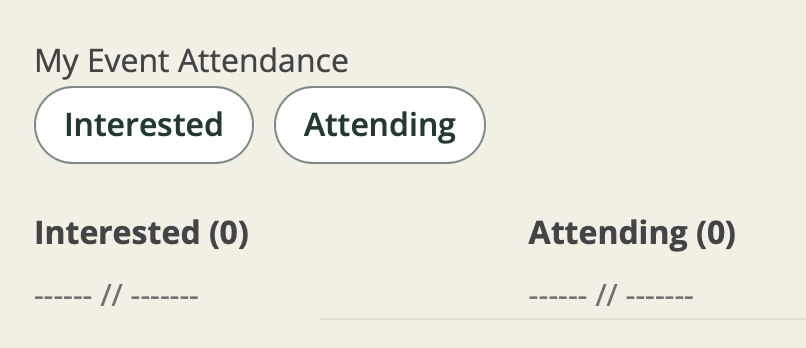
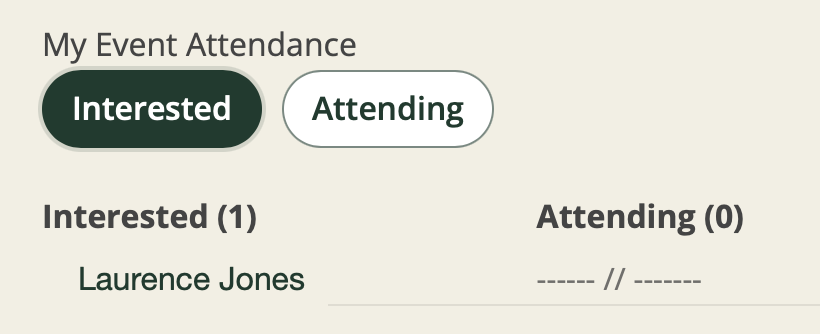
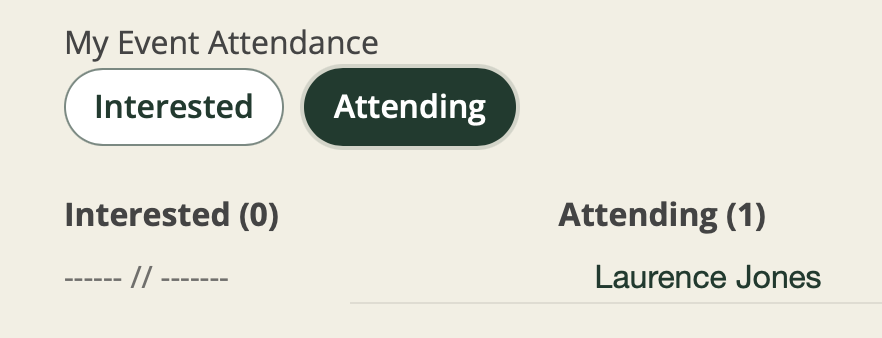
When you register as interested or attending an Event, your name will appear in the respective list for other to see who is going or not going. It is valuable to the Event Organiser that members do register as early as possible, because it helps them determine if the event is viable or not – so please do